Heat is the enemy of performance and lifespan. The good news is that cooling mostly comes down to airflow and cleanliness.
Get airflow moving in one direction
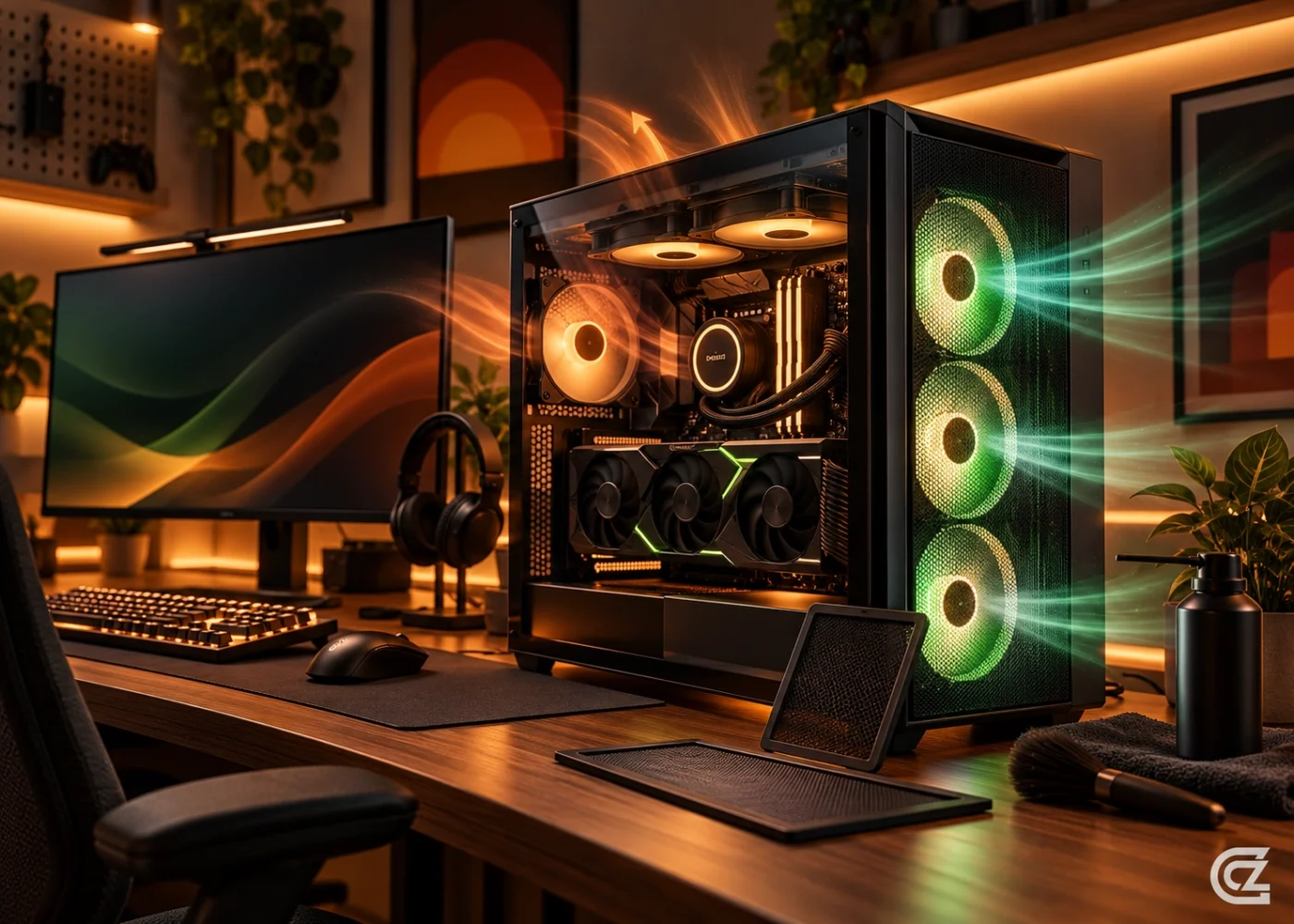
Aim for cool air in through the front and bottom, and hot air out through the rear and top. A little more intake than exhaust keeps dust from being drawn in through gaps.
Keep dust under control
Clean the dust filters and fans every month or two with a soft brush or compressed air. Hold the fans still while you clean so they do not spin up and get damaged.
Tidy your cables
Route cables behind the motherboard tray so they do not block airflow to the graphics card and CPU cooler.
Check your fan curves
Most motherboards let you set fan speed against temperature in the BIOS. A gentle curve keeps the PC quiet at idle and ramps up when load rises.
Watch the temperatures
If temperatures climb over time, dust or dried thermal paste are common causes. Send us a message if you would like a hand.